
Last updated November 15, 2026
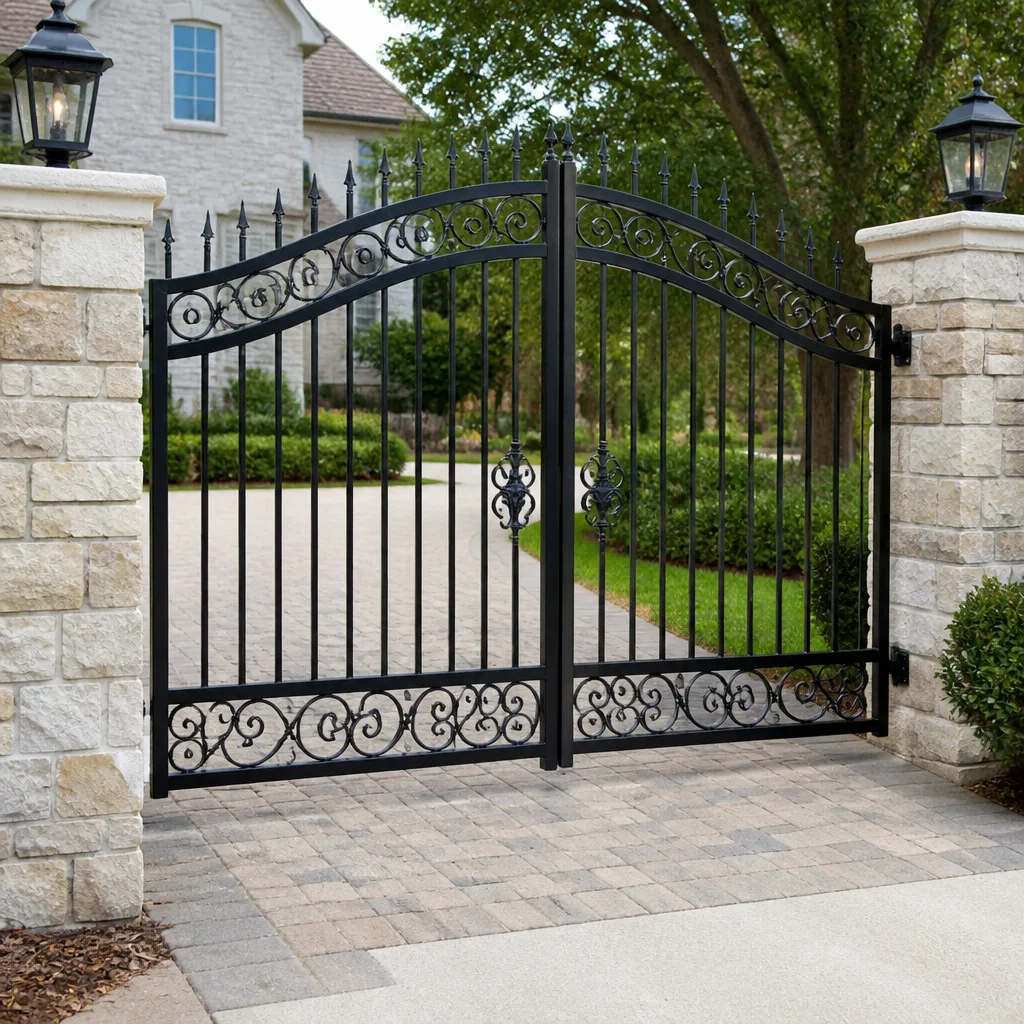 Wrought iron
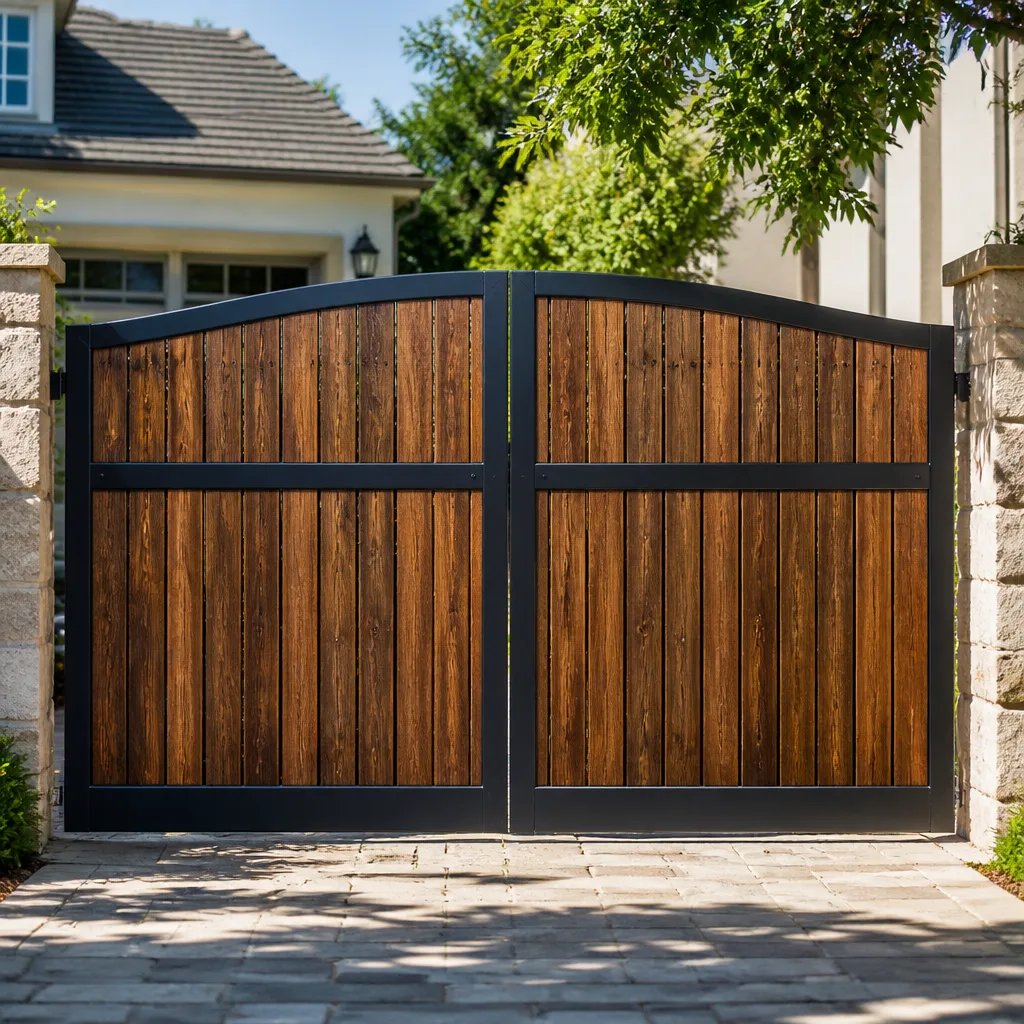 Wood & steel frame
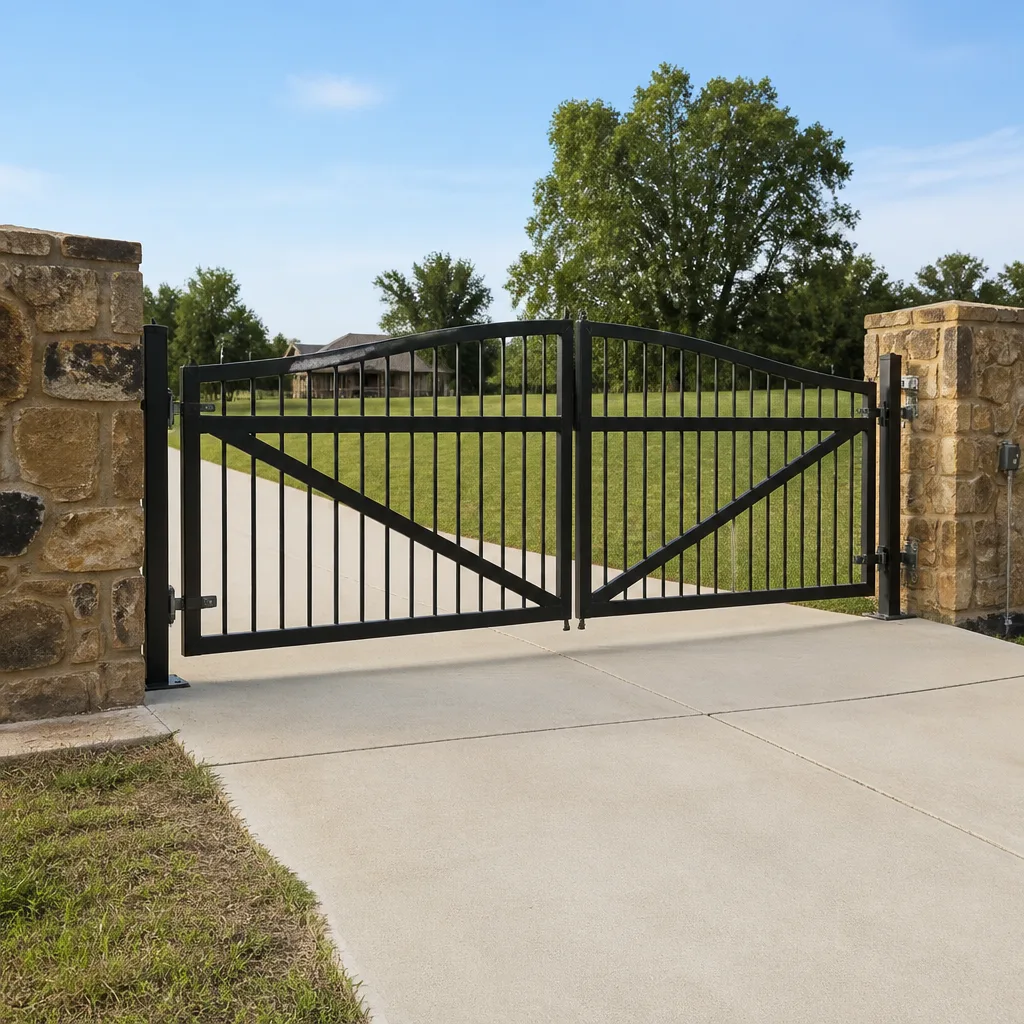 Farm & ranch
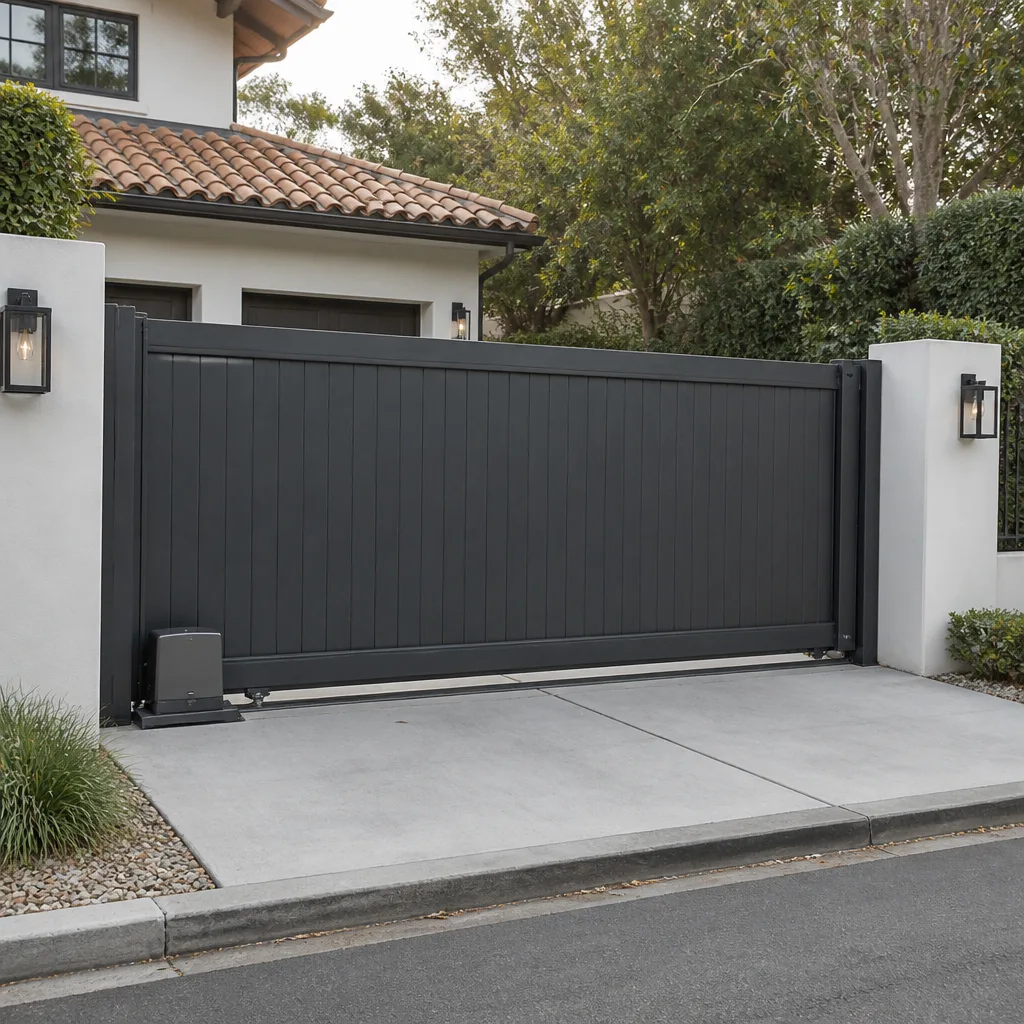 Sliding driveway gates
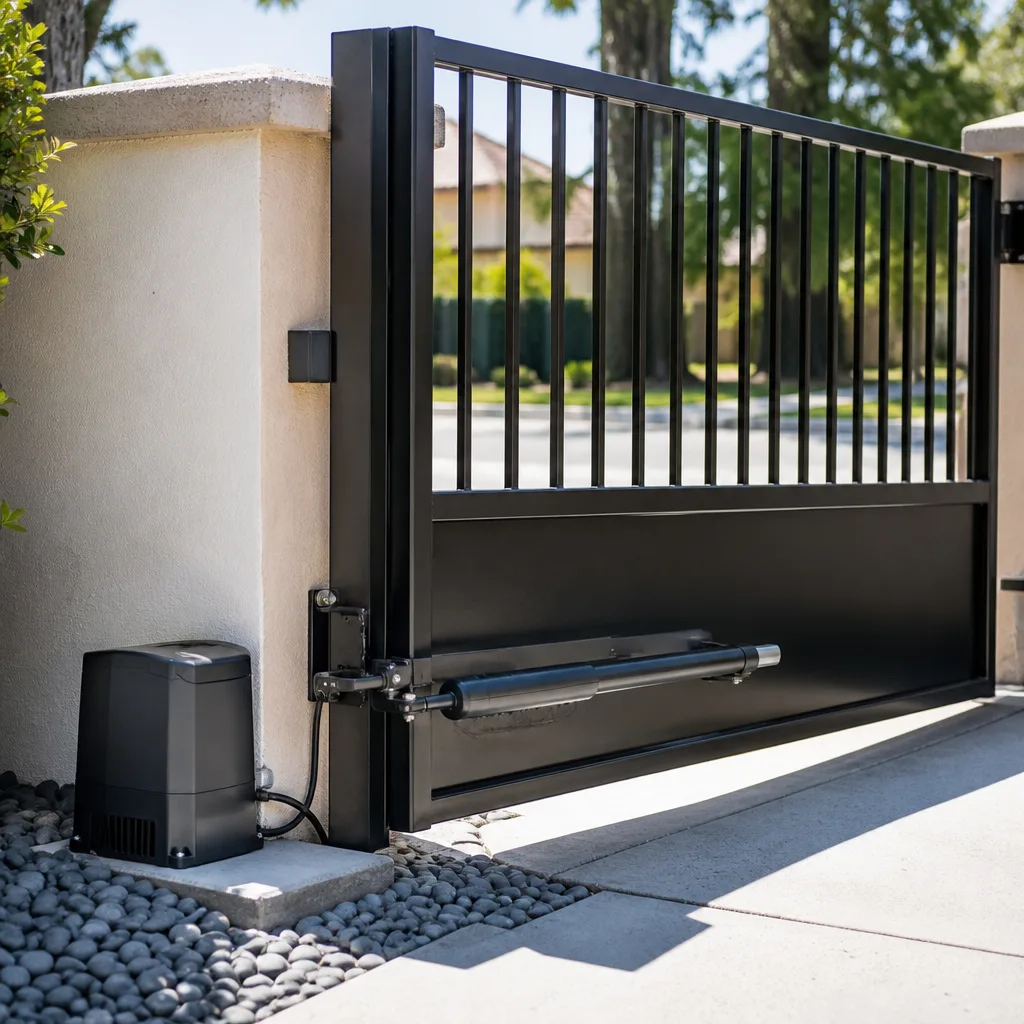 LiftMaster operators
Free on-site gate assessment - hinges, posts, and your LiftMaster or Nice gate operator checked before anything is quoted
The assessment is free and the quote is the invoice.
Get your free estimateGate Repair Warning Signs: An Aurora Homeowner’s Reference Guide
A gate that hesitates for two seconds before it moves isn’t “getting slow with age.” It’s often a motor capacitor that has lost its starting torque. That’s one of the cheaper parts in the system to replace, but left alone long enough it turns into a motor replacement instead. Most gate failures don’t happen without warning. They telegraph themselves for two to six weeks before anything actually breaks, and the trick is reading the signal correctly, because a grinding sound, a clicking sound, and a humming sound can point to three very different, very differently priced problems. This guide decodes what your gate in Aurora is telling you, symptom by symptom, so you know what’s wrong, how urgent it is, and when a specialist should step in.
Quick Answer
Gate repair warning signs in Aurora usually show up as three things: unusual sounds (grinding, clicking, humming, chattering), abnormal behavior (partial travel, random reversals, delayed starts), and visible physical wear (sagging hinges, sticking rollers, cracked welds). Each sign maps to a specific cause, from a worn nylon drive gear to a failing capacitor or a control board fault. Sounds and behavior that appear suddenly and repeat every cycle mean call now; minor visual wear with a gate that otherwise runs fine means schedule it before the next season.
Styles & brands we work with
- Wrought iron
- Wood & steel frame
- Farm & ranch
- Sliding driveway gates
- LiftMaster operators
Table of Contents
- Decoding the Four Noises Your Gate Makes
- Behavioral Warning Signs: What Your Gate’s Timing Tells You
- Visual Checks: Hinges, Rollers, and Welds
- Control Board Fault Codes on LiftMaster, Linear, and FAAC
- Which Signs Mean 30-Day Urgency vs. Next Scheduled Maintenance
- Aurora Conditions That Age Gates Faster
- Why System-Specific Knowledge Matters
- Common Mistakes to Avoid
- When to Call a Professional
- Frequently Asked Questions
Decoding the Four Noises Your Gate Makes
The sound a failing gate makes is the single most reliable clue to where the problem lives. Grinding, clicking, humming, and chattering are not interchangeable. Each one points to a different part of the drivetrain or electrical system, and confusing them wastes both time and money.
Grinding usually comes from the drive train itself: a worn nylon drive gear inside the operator housing, a dry chain, or debris caught in the track or hinge travel path. A dry chain grinding is a lubrication issue. A gear grinding is a worn part that will eventually strip and stop the gate cold. Same sound, different fixes.
Clicking often points to the control board, the limits, or a relay that’s trying to engage and dropping out. If you hear a click but the gate doesn’t move, the operator is receiving the command and failing to act on it. That’s an electrical signal, not a mechanical one.
Humming with no motion is a classic capacitor symptom. The motor has power but no starting torque, so it stalls and hums. This is the $45-part-turned-$400-repair scenario, and in our experience it’s the most common one homeowners misread as “the motor is dying.”
Chattering (rapid ticking, like a relay stuttering) usually means a sensor problem, a misaligned limit, or a low-voltage issue. The board is bouncing between states because it can’t confirm the gate’s position.
- Grinding: worn gear, dry chain, or debris in the travel path
- Clicking but no motion: control board, limit switch, or relay issue
- Humming with no motion: failing capacitor or seized motor bearing
- Chattering or ticking: sensor, limit, or low-voltage problem
If you’re hearing more than one at once, an electric gate repair technician can sort them in order of failure. Mixed symptoms are common once a gate has drifted out of adjustment for a while.
Behavioral Warning Signs: What Your Gate’s Timing Tells You
A gate doesn’t just sound different when it’s failing. It behaves differently. The way it moves is often a better diagnostic than the way it sounds, because behavior maps cleanly to specific mechanical and electronic causes.
Partial travel (the gate opens halfway and stops) usually means a limit switch has drifted, a travel path is obstructed, or the motor has lost torque on one side. If the gate stops in the same place every time, that points to limits. If it stops in random places, look at the capacitor or an obstruction.
Random reversals (the gate moves, then reverses without a reason) almost always trace to the safety sensors. A misaligned photo eye, debris on the lens, or sunlight angle can trip the reverse cycle. If it happens more at certain times of day, suspect the sensors before the board.
Delayed starts (the gate hesitates a second or two before moving) point to the capacitor, a control board boot-up issue, or a weak battery in a solar or backup-powered system. On a gate repair call this is one of the more straightforward diagnoses because the delay is consistent and repeatable.
- Watch a full open-and-close cycle without interruption.
- Note whether the failure is consistent (same spot every time) or random.
- Note whether it happens on open, on close, or both.
- Note whether it happens more in the morning, midday, or late afternoon.
- Write down what you observed. That sequence is what a technician needs to diagnose correctly the first time.
That last step matters more than most homeowners realize. A gate that fails “sometimes” tells a specialist almost nothing. A gate that fails on the close at the same limit point every time tells them exactly where to look.
Visual Checks: Hinges, Rollers, and Welds
You can spot structural failures before your gate drops or derails, if you know what to look at. Walk the gate line in Aurora with the operator off and the gate in manual mode. Look at hinges, rollers, and welds specifically.
Hinges: Look for rust bleed at the pivot points, visible gaps where the pin seats, and any wobble when you try to move the gate by hand. A hinge that moves more than a couple of millimeters is wearing toward failure. On swing gates, sagging at the hinge side is an early indicator of post settling or weld stress.
Rollers: On sliding gates, roll the gate by hand along the track and feel for flat spots, sticking, or a “bump” as a roller passes over a track joint. Rollers wear much faster than most homeowners expect. A stuck roller turns into a bent track, and a bent track turns into a motor that strains and fails.
Welds: Look for hairline cracks along the frame, especially at the corners and where the gate arm attaches to the frame. A cracked weld can fail under motor torque without any warning noise. If you see a crack, stop using the operator and get it looked at, because a panel that comes loose under power is a safety issue.
Look at the posts too, especially where the gate meets the ground. A post that has moved even slightly throws the alignment off and will wear the whole system down over time.
Control Board Fault Codes on LiftMaster, Linear, and FAAC
When a modern gate operator flashes a code, it’s telling you exactly what tripped. What you do with that code matters, and so does what you don’t do.
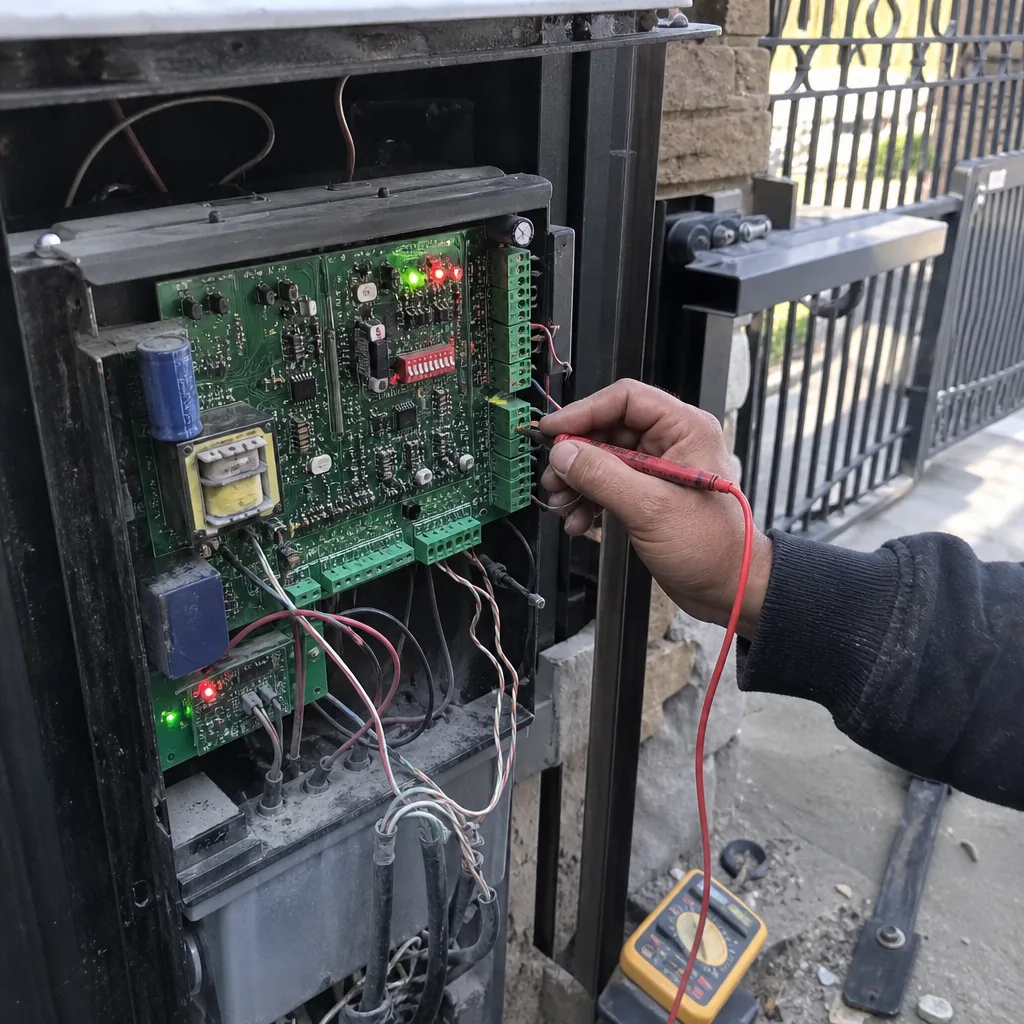
LiftMaster boards typically blink a diagnostic code when the operator faults. The count of blinks corresponds to a specific condition (obstruction, limit issue, sensor problem, or motor fault). Read the count, don’t guess. The number is the diagnosis.
Linear boards often use a combination of LED states and flashes. Some codes are informational (a limit was hit) and some are hard faults that require clearing before the gate will move. A hard fault that re-appears after clearing is a real problem, not a glitch.
FAAC commercial boards often log a fault and display it on an LED segment or via a status indicator. On the commercial side, a logged fault with a clear code usually means the board knows exactly what tripped and expects someone to read it correctly.
Here’s what to do when a code appears:
- Count the blinks or note the exact code. Write it down.
- Cycle power once at the breaker or disconnect, and note whether the code returns.
- Check the obvious: safety sensors blocked, gate path obstructed, gate in manual release.
- Do not keep pressing the remote hoping it clears. Repeated fault cycles can damage the motor or board.
- Do not bypass safety edges or photo eyes to “test” the gate. Those are the systems that stop the gate from closing on a car, a pet, or a person.
If the code returns after a power cycle, the operator has told you something is wrong. That’s the moment to call in someone who reads that code regularly. A code on an Aurora system isn’t a mystery to a gate specialist, but it usually is to a general handyman.
Which Signs Mean 30-Day Urgency vs. Next Scheduled Maintenance
Not every warning sign is a fire alarm. Some mean “call this week,” and some mean “get it on the schedule before the next season.” Knowing the difference keeps you from overspending on a small fix and from waiting on a big one.
30-day urgency (call now, don’t wait):
- Any grind that has appeared suddenly and repeats every cycle
- Gate reverses randomly on close
- Any visible weld crack on the frame or gate arm attachment
- Safety sensors or safety edges failing
- A control board fault that returns after a power cycle
- The gate has stopped moving entirely
- Any panel, roller, or hinge showing play when you push the gate by hand
Maintenance-window urgency (schedule it, don’t panic):
- Gate is a bit slower than it used to be but runs every cycle
- Occasional click before motion
- Minor rust at hinges or a small amount of paint loss
- Chain starting to look dry or gather dust
- Rollers that feel slightly stiff but roll smoothly
The reason to act on the small stuff is that the small stuff becomes the big stuff. A capacitor that fails goes from a part in the low double digits to a motor in the high triple digits. A stuck roller goes from a roller to a bent track and eventually a strained operator. A delayed close that you ignore for a season goes from a safety sensor adjustment to a control board replacement. The urgency list is really a list of “what to fix before it fixes itself expensively.”
Aurora Conditions That Age Gates Faster
Aurora sits in a climate that is hard on gate hardware. The combination of intense UV, dry summers, hard freezes, and spring hail works on metal, plastic, and electronics all at once, and it shows up in specific failure patterns.
UV exposure degrades plastic covers, photo eye housings, and cable insulation. Photo eyes that cloud over lose sensitivity, which shows up as random reversals and safety-edge faults. If your gate starts behaving oddly in the afternoon sun, that’s usually why.
Freeze-thaw cycles in Aurora move ground just enough to throw posts and hinges slightly out of alignment over a few winters. A gate that opens fine in July and drags in January is telling you the ground has shifted, not that the operator is weak.
Dry air and dust dry out chains and drive gears faster than in humid climates. That grinding chain you noticed is often an Aurora maintenance issue, not a part failure, if it gets caught early.
Hail is the wild card. It dents operators, cracks plastic covers, and can knock photo eyes out of alignment. After a hail event, walk your gate line even if everything seems to work.
Homes in neighborhoods like Southlands, Ponderosa, and the older parts of central Aurora see different gate wear patterns depending on gate age and material, but the seasonal triggers are the same across the city. Snowmelt from a north-facing side yard runs along the gate line for weeks and rusts whatever it touches.
Why System-Specific Knowledge Matters
Two gates with the same symptom can have completely different fixes depending on the brand behind the panel. That’s why a specialist who knows the systems matters more than a generalist on a gate call.
A LiftMaster operator uses a diagnostic blink system that requires knowing how to read a count of flashes to know which relay or limit tripped. A FAAC board logs faults a different way. A Linear system has its own LED language. A DoorKing commercial system runs a fault architecture built for property managers and entrances with heavy daily traffic. Reading the wrong system the way you’d read another brand wastes an afternoon and often replaces the wrong part.
Beyond the fault codes, brands differ in where they fail first. A budget-friendly Mighty Mule or Ghost Controls homeowner install often fails at a capacitor or a limit before anything else, while a heavier commercial FAAC or BFT operator sees gear wear or drive train strain earlier. An Elite system carries its own quirks. Viking has its own failure patterns. Knowing the specific brand tells a specialist where to look first, not where to look eventually.
That’s what we mean at Aurora Gate Repair when we say we know your brand. Our technicians have up to experience working inside this trade, and we cover 9 named manufacturers including LiftMaster, FAAC, BFT, Linear, Viking, Ghost Controls, DoorKing, Elite, and Mighty Mule. That range runs from budget residential installs to commercial-grade access control, which means the person reading your gate isn’t learning your panel for the first time on your driveway.
If your gate is automated and showing any of the warning signs in this guide, the right starting point is a technician who already knows the system. From a single repair to a full new gate installation, the work stays in the gate specialty.
Common Mistakes to Avoid
- Ignoring a hesitation. A two-second delay is easy to live with and easy to forget about until it becomes a motor replacement. Fix the capacitor while it’s a capacitor.
- Bypassing safety edges or photo eyes to “test” the gate. Those systems stop the gate from closing on a person, a pet, or a vehicle. A bypassed safety system is a serious injury waiting to happen, and it’s the one thing we’ll always undo before repairing anything else.
- Repeatedly pressing the remote when the gate won’t move. Every failed cycle strains the motor and board. A stuck gate that you keep pressing is a gate that goes from a part repair to a motor repair.
- Greasing everything you can see. Not every surface on a gate wants grease. Rollers, chains, and hinge pins each want a different treatment, and over-greasing a track can trap grit and wear the rollers faster.
- Calling a general handyman for a fault code. Reading a LiftMaster or FAAC fault wrong is how the wrong part gets ordered. On a system-specific issue, ask for someone whose entire trade is gate work.
- Waiting until spring to address freeze-season damage. Aurora winters move posts and stiffen rollers. The gate you leave alone in December is the gate you pay to repair in May, usually for more.
- Assuming all grinding sounds are the same. A dry chain grinding and a worn gear grinding sound similar and cost very differently to fix. Ask a specialist to identify which it is before you schedule the repair.
When to Call a Professional
Call a specialist when the gate has stopped moving, when a fault code returns after a power cycle, when you see a weld crack or play in the gate frame, when the gate reverses on close, or when a grinding sound has appeared suddenly and repeats every cycle. Any safety-edge or photo-eye failure is a call-now, not a call-later, because those systems protect people, vehicles, and pets. If you’re not sure which band a specific symptom falls into, describing the sound and behavior over the phone is enough for us to tell you whether to book now or plan for the next maintenance visit.
Aurora Gate Repair offers free estimates in Aurora. Call (877) 330-0618. We answer 24/7. Fast dispatch from 7am to 7pm, Sunday through Friday. The price is quoted and agreed before any work starts, so there’s no invoice surprise after a repair.
Frequently Asked Questions
The most common is a hesitation or delay of one to two seconds before the gate moves. In our experience on Aurora gates this usually points to a failing motor capacitor or a control board issue rather than a mechanical problem, and it’s cheaper to fix early than after the motor is worn.
No. A grinding sound can come from three places: a dry chain that needs lubrication, a worn nylon drive gear inside the operator, or debris caught in the travel path. Only one of those is a part replacement. A specialist can identify which it is by listening and inspecting, and the fix is very different in each case.
A hum with no motion is a classic capacitor failure. The motor has power but has lost its starting torque, so it stalls and hums. The part is inexpensive to replace if caught early. Left for a season, the heat and strain usually take the motor with it, and that turns a small repair into a much larger one.
Write down the exact code or blink count, cycle power once, and note whether the code returns. Don’t keep pressing the remote, and don’t bypass any safety sensor or safety edge to see if the code clears. If the code comes back after a power cycle, call a specialist who works on that brand regularly so the right part gets looked at the first time.
Call today if the gate has stopped moving, reverses on close, shows a weld crack or play in the frame, loses a safety-edge or photo-eye signal, or has developed a sudden grind. Call before the next season if the gate is a bit slow but runs every cycle, has occasional clicks, or shows minor rust and slight roller stiffness. A quick call to (877) 330-0618 gets an exact quote and a free estimate.
Yes. We work across both residential and commercial-grade gate operators, from Mighty Mule and Ghost Controls systems through FAAC, BFT, DoorKing, and Viking. The technician who diagnoses your gate works on the specific brand you have, not a generic guess. Call (877) 330-0618 for a free estimate.
The Bottom Line
Gate failures usually announce themselves weeks before they happen. A hesitation means a capacitor. A grind means a chain, gear, or debris. A random reverse means safety sensors. A hum with no motion means starting torque, and a fault code that returns after a power cycle means the board is telling you exactly what tripped. The warning signs are readable if you know what you’re reading, and the cost difference between catching them early and catching them late is usually the difference between a part and a system. In Aurora, where UV, freeze-thaw, dust, and hail all work on the gate every season, walk the line once a season and listen before something fails.
If your gate is showing any of the signs in this guide, call Aurora Gate Repair at (877) 330-0618 for a free estimate. Our technicians have up to experience in the trade, we work across 9 named brands from entry-level residential operators to commercial-grade access systems, and every job on the schedule is a gate job. We answer 24/7. Fast dispatch from 7am to 7pm, Sunday through Friday. The price is quoted and agreed before any work starts, so you know what you’re paying before anyone touches the gate.
Written by the team at Aurora Gate Repair.
See the difference
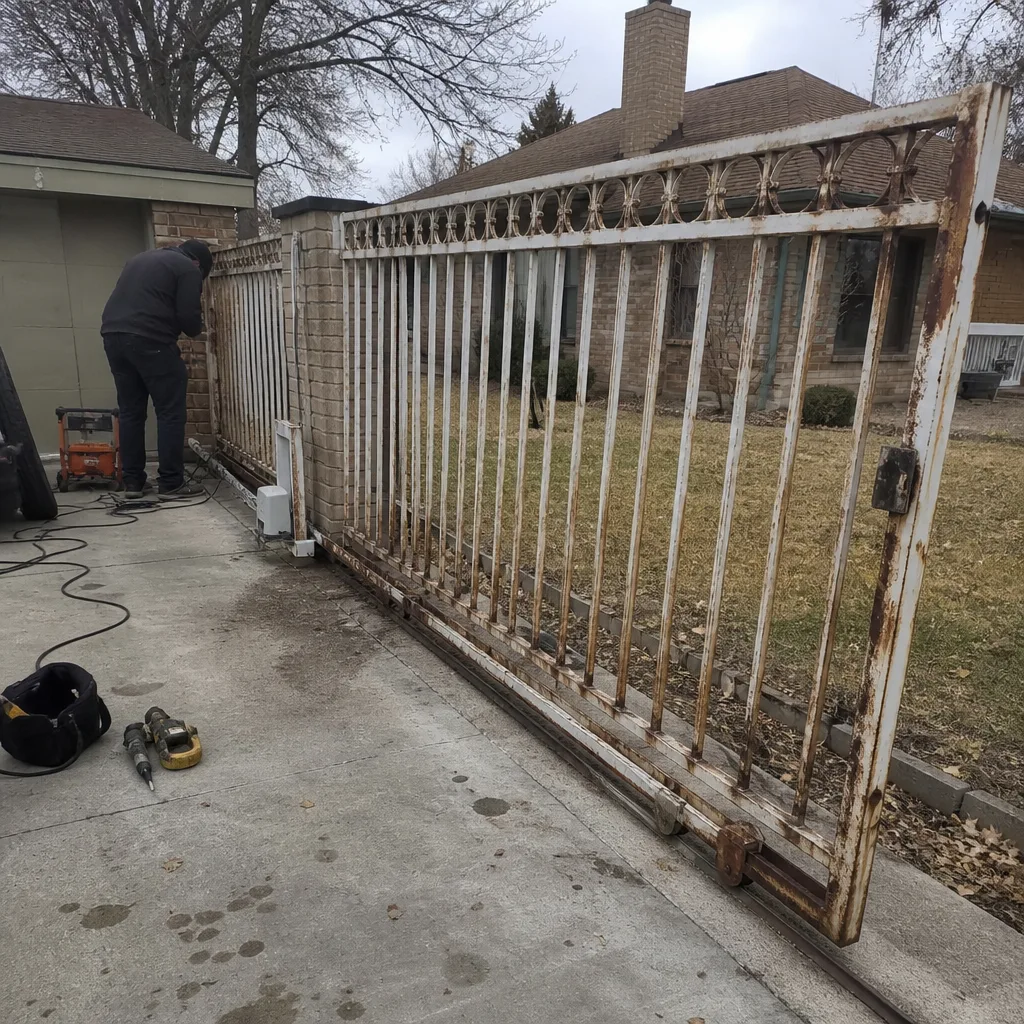 Before
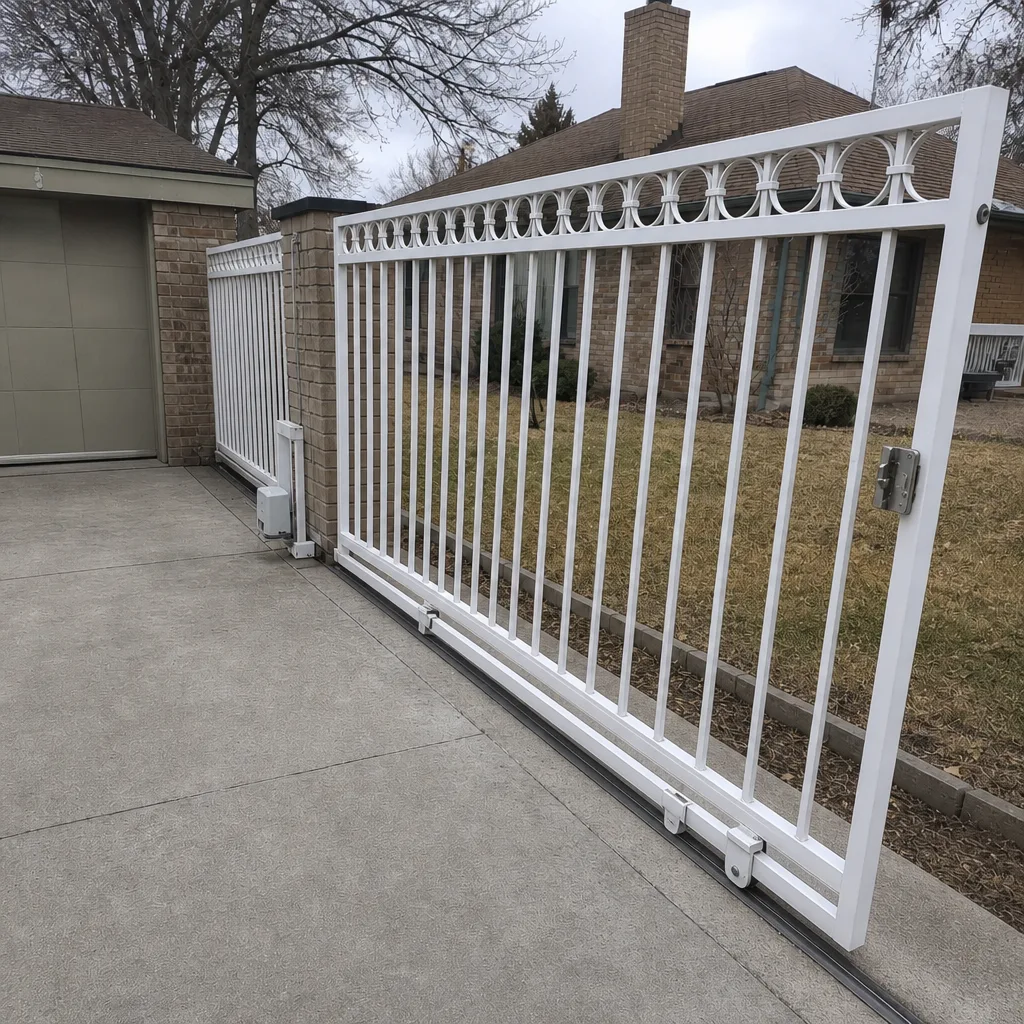 After
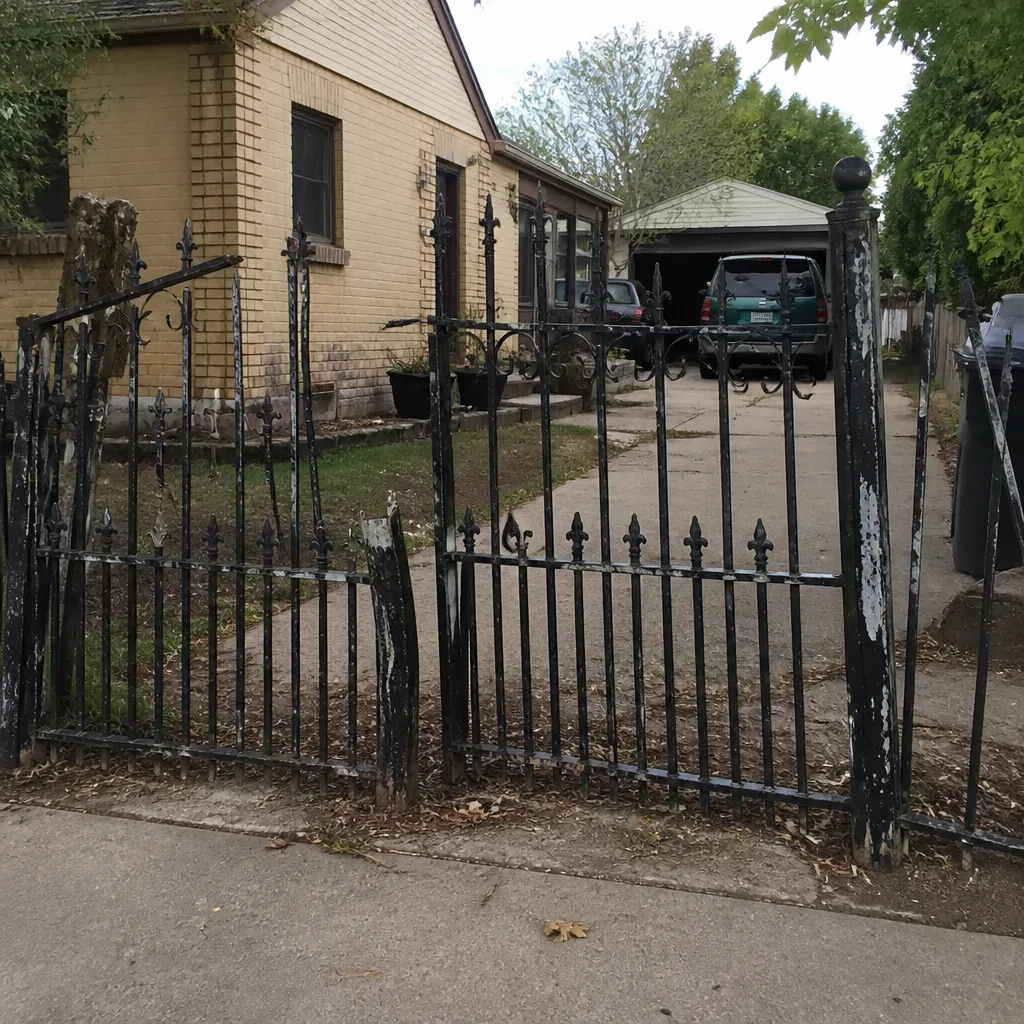 Before
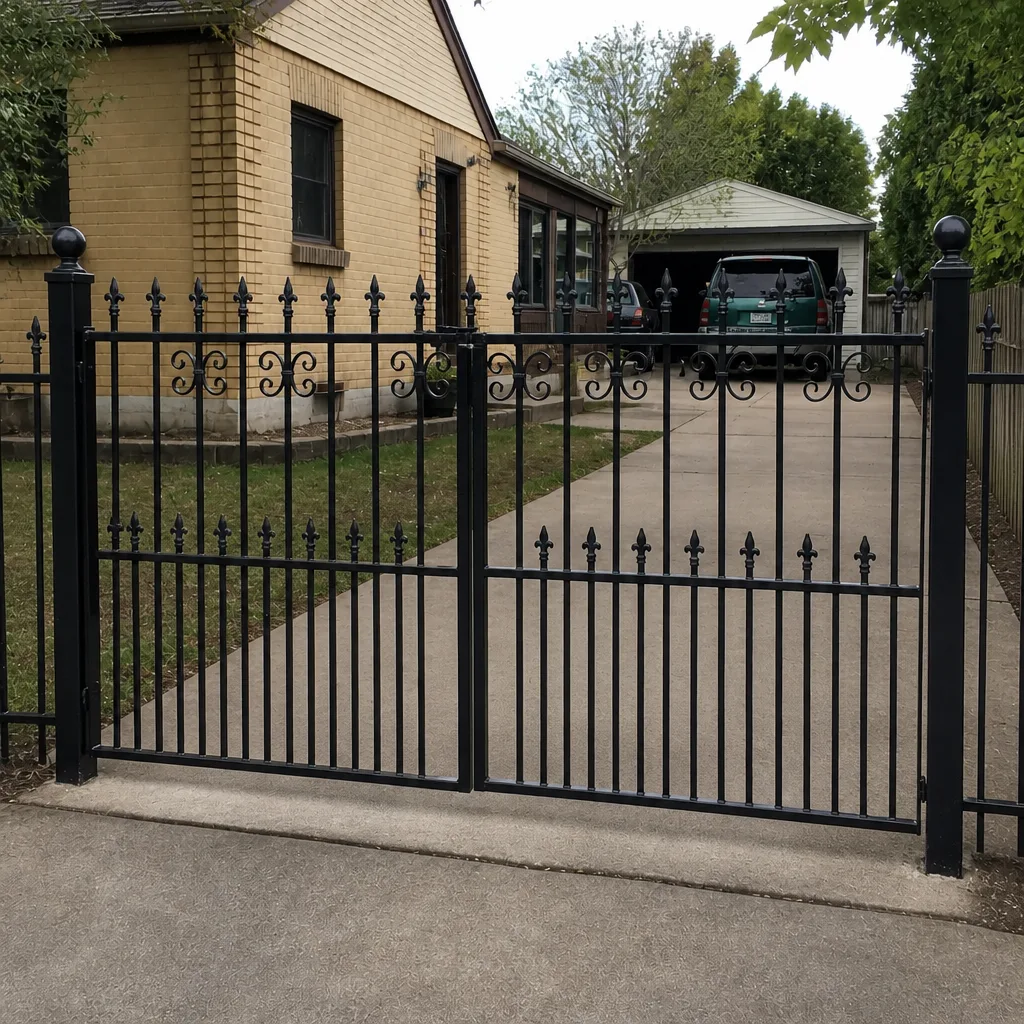 After
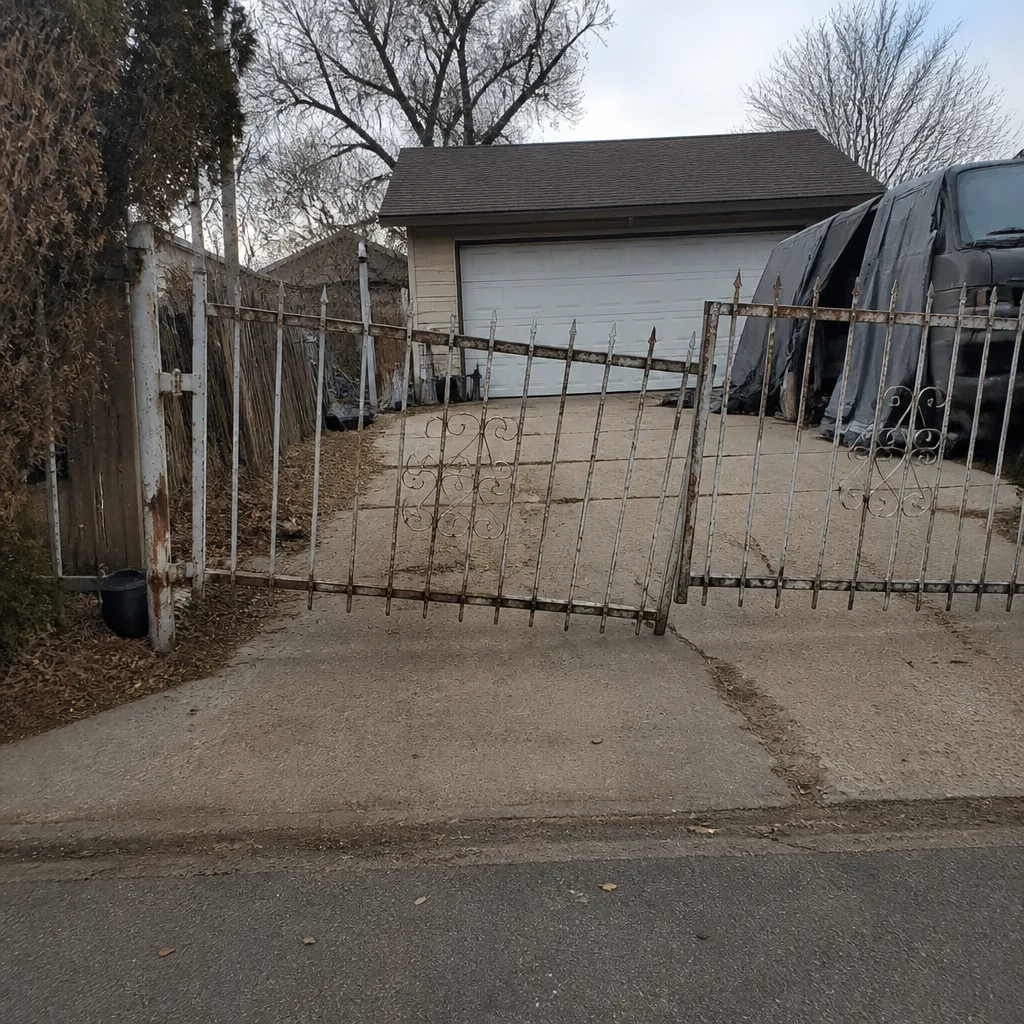 Before
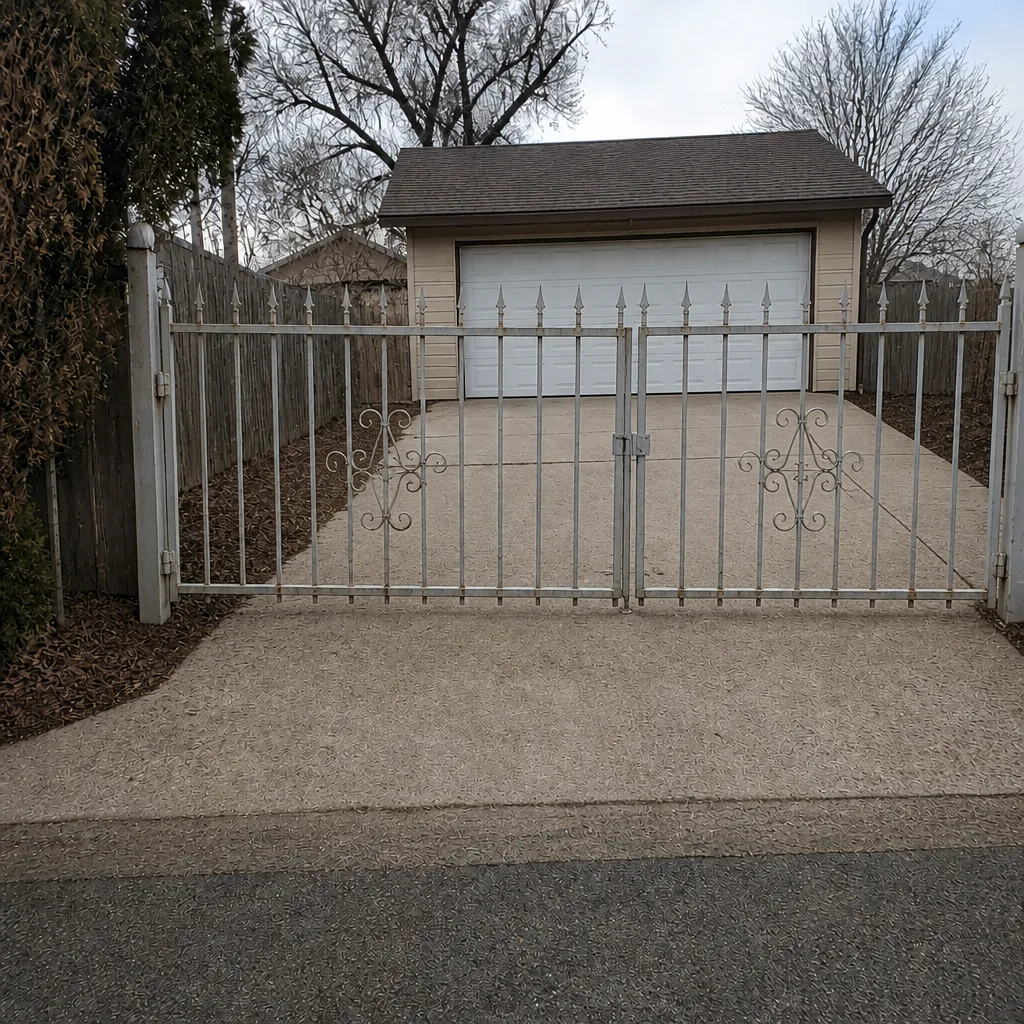 After