
Last updated November 15, 2026
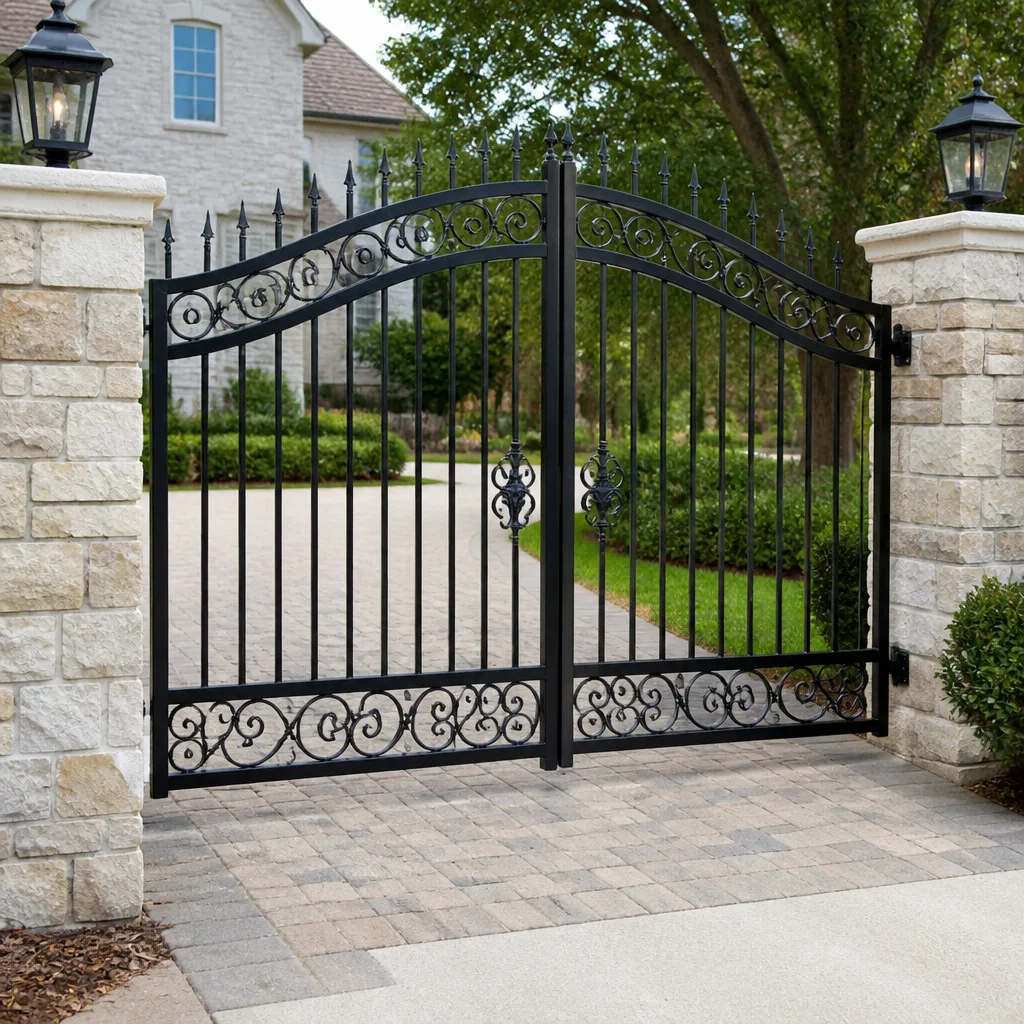 Wrought iron
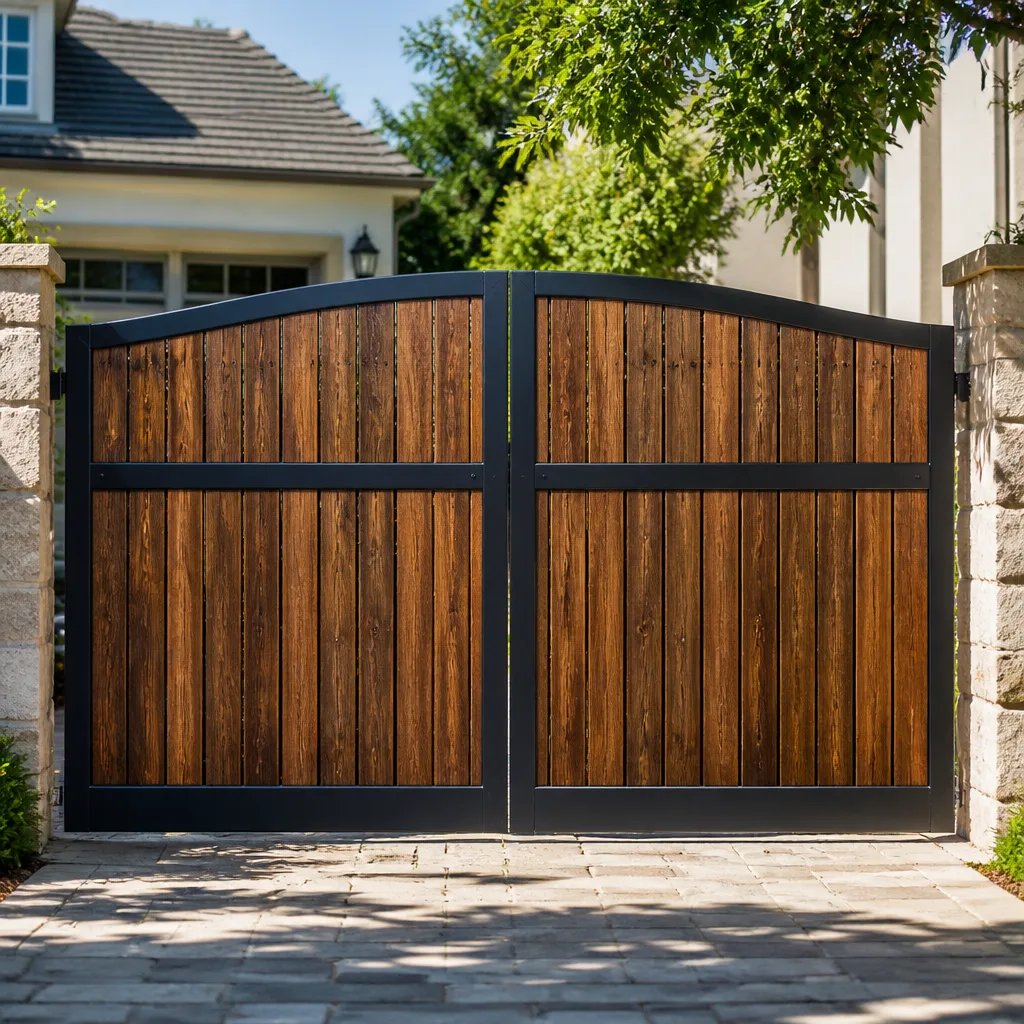 Wood & steel frame
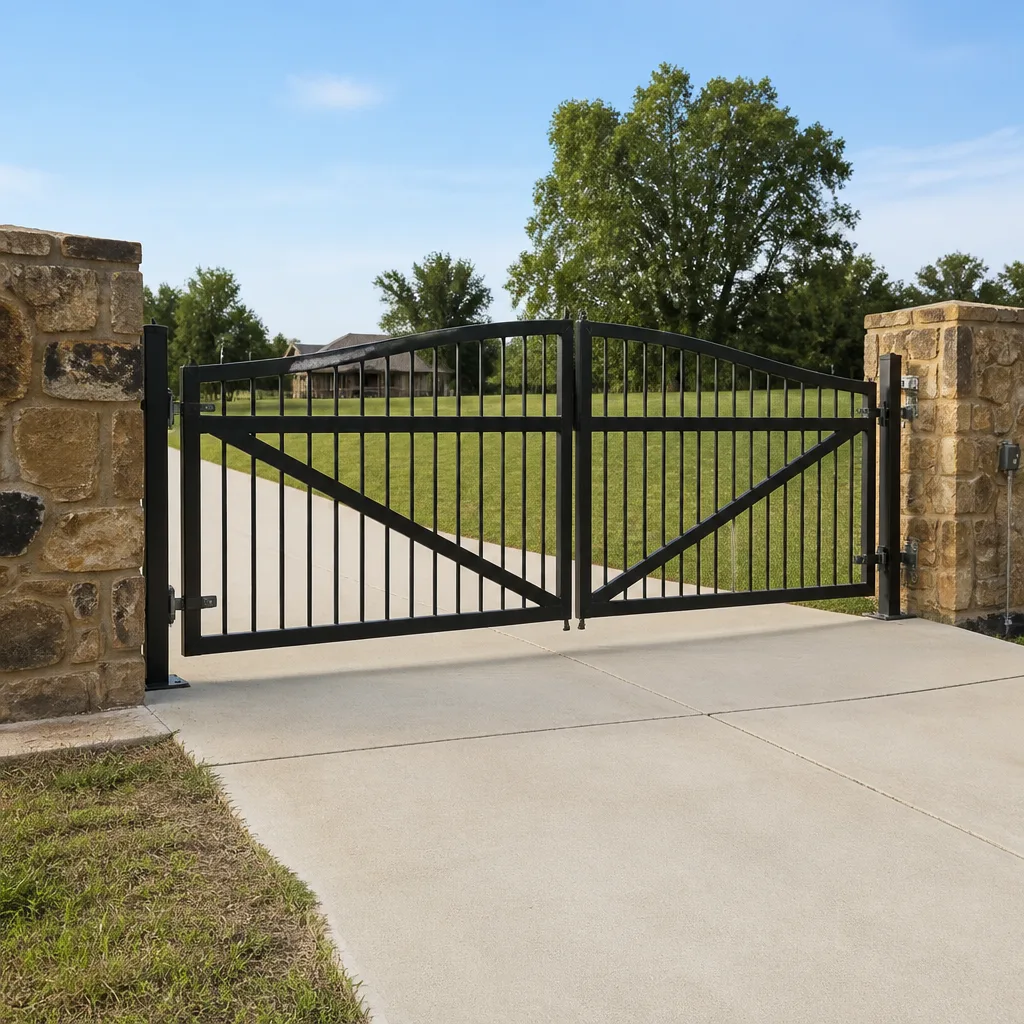 Farm & ranch
 Sliding driveway gates
 LiftMaster operators
Free on-site gate assessment - hinges, posts, and your LiftMaster or Nice gate operator checked before anything is quoted
The assessment is free and the quote is the invoice.
Get your free estimateGate Repair Emergency Preparedness Guide for Aurora Homes
Most Aurora homeowners treat their gate as a convenience until the moment it becomes a barrier. Emergency responders in Arapahoe County are trained to cut through gate locks rather than wait for a property owner to locate a manual release. That single fact changes how you should think about your gate system. If first responders don’t know there’s a Knox Box on the property or can’t find the override without tools, your gate may not survive the emergency intact – and a forced entry often leaves the operator, the arms, and the hinges worse off than the original fault. This guide walks you through locating your release, understanding fail-safe versus fail-secure settings, knowing what backup power really delivers in Aurora’s cold, and registering your gate so emergency crews aren’t guessing. You’ll also get the post-incident inspection checklist that tells you whether the system is safe to return to automatic mode.
Quick Answer
Emergency gate preparedness in Aurora means three things: knowing where your manual release is and how to operate it without tools, confirming whether your operator is set to fail-safe or fail-secure, and registering your gate’s emergency access with Aurora Fire so responders don’t force it open. If a gate has already been forced or manually operated during an incident, have it inspected by a gate specialist before returning it to automatic mode.
Styles & brands we work with
- Wrought iron
- Wood & steel frame
- Farm & ranch
- Sliding driveway gates
- LiftMaster operators
Table of Contents
- How to Locate and Operate the Manual Release on Common Aurora Gate Operators
- Fail-Safe vs. Fail-Secure: Which Setting Is Your Gate On?
- Battery Backup Runtime at Aurora’s Winter Temperatures
- Emergency Access for First Responders: Knox Box and Registration
- What to Do During a Power Outage
- Post-Emergency Inspection Checklist
- When to Upgrade to an Emergency-Ready System
How to Locate and Operate the Manual Release on Common Aurora Gate Operators
Every automatic gate has a manual release. The problem is that most homeowners have never touched theirs, and finding it in the dark under stress is a different task than locating it on a calm afternoon. The release mechanism varies by brand, and the five most common residential operators in Aurora each use a somewhat different approach. Here’s what to look for on each.
Linear and Viking slide and swing operators typically use a keyed release lever or a pull handle mounted on the operator housing. You insert the key (usually a small hex or standard key), turn it, and pull the release arm outward. On Viking swing operators, the release is often a manual lever on the gearbox; on Linear slide models, it’s a chain or lever release near the motor housing.
Ghost Controls is common on DIY-installed residential swing gates in Aurora’s newer subdivisions. Their release is a keyed lever on top of the operator arm. Lift the cover, insert the key, push the lever, and the arm disengages from the gate.
DoorKing commercial-grade operators use a floor-level release lever or a disconnect handle inside the operator cabinet. Because these are often installed on community or HOA gates, the release location should be documented in the property’s access plan – if it isn’t, that’s worth fixing.
Here’s the practical sequence to prepare, not to troubleshoot in the moment:
- Locate the manual release on your operator before you need it. Read the owner’s manual if you have it – most are available online by model.
- Keep the release key or hex tool on a hook near the gate, not in a drawer inside the house. If you can’t reach it without going inside, it’s in the wrong place.
- Test the release in daylight on a non-urgent day. Open the gate manually, close it, and re-engage the operator. You should know what normal feels like.
- Show every adult in the household how to use it. In an emergency, one person may not be home.
- Photograph the release location and post it inside the gate cabinet or on the inside of a nearby fence panel.
Heavy gate panels can crush. If your gate is a large sliding or double-swing unit, do not attempt to force it open manually – the panel weight and the operator’s spring assistance can create a serious hazard. For heavy panels, call for electric gate repair and let a trained technician handle the release. When a gate is stuck and you need a specialist on-site in Aurora, that call is the right one.
Fail-Safe vs. Fail-Secure: Which Setting Is Your Gate On?
Fail-safe means the gate unlocks or opens when power is lost, allowing exit and entry. Fail-secure means the gate stays locked when power is lost. Both configurations are legitimate, but they serve opposite safety priorities, and most homeowners don’t know which one their gate is set to until a power outage reveals it.
Fail-safe is the correct choice when the gate is the only exit from a property – a residential driveway with a single access point, for example. If the power goes out and the gate can’t open, you and everyone in the household are stuck inside until the release is operated. For a home in Aurora’s older neighborhoods with one driveway, fail-safe is almost always the right setting.
Fail-secure is correct when the gate secures a perimeter and the property has other exits, or when security is the primary function. A community gate or a commercial lot may be fail-secure so that a power cut doesn’t leave the property wide open. In that case, the manual release is the backup plan, and everyone who needs access must know how to use it.
How to check your setting:
- Look at the operator’s control board or manual. Most brands – Linear, Viking, DoorKing, and others – document the fail-safe/fail-secure jumper or DIP switch setting by model.
- Test it deliberately: cut power to the operator (at the breaker, not the battery) and observe what the gate does. Does it release? Stay locked? Move to open?
- If the gate stays locked on power loss and the property has only one exit, that’s a safety problem worth fixing with a technician.
Changing a fail-safe to fail-secure setting (or the reverse) is not a homeowner task. The change interacts with the operator’s limits, the safety edges, and the access control system, and getting it wrong can leave the gate inoperable or unsafe. If you’re not sure which setting is right for your Aurora property, our team can tell you what your specific system is configured to do and what it should be doing.
Battery Backup Runtime at Aurora’s Winter Temperatures
Battery backup is the piece homeowners rely on most and understand least. The rated runtime on the battery spec sheet assumes a moderate temperature and a gate that cycles a few times a day. Aurora winters deliver neither. Temperatures that drop well below freezing cut a lead-acid battery’s usable capacity substantially – the same battery that delivers rated runtime in spring may deliver a fraction of it on a cold January night. Lithium backup batteries hold up better in cold but still lose capacity, and the age of the battery matters as much as the chemistry.
What this means practically:
- Treat the rated runtime as an upper bound, not a promise, during Aurora’s cold months.
- Test the battery before winter. A power cut in July is a rehearsal; a power cut in January is the real thing.
- Check battery age. A backup battery that’s several years old may hold far less than its label suggests.
- Count your cycles. A household with multiple cars and frequent entries drains backup power faster than a single-car home.
- Know your fallback. If the battery dies during an outage, the manual release is your only option – so it needs to be accessible.
If your gate operator is a Ghost Controls or Linear residential unit and the backup battery has never been replaced, it’s worth having it tested and replaced before the next cold snap. For commercial-grade FAAC, BFT, or DoorKing systems, the battery bank is larger but the test is the same. Our technicians have up to experience with these systems and can tell you how much runtime your setup actually delivers at Aurora’s temperatures, not just what the spec sheet claims.
Emergency Access for First Responders: Knox Box and Registration
First responders do not wait at a gate. If they can’t get through cleanly, they force it – and a forced gate typically needs repair to the operator, arms, or panel before it works again. The way to prevent that is to make sure Aurora Fire and EMS know how to get in before they arrive.
Knox Box integration is the standard solution for gated properties. A Knox Box is a small keyed safe mounted at the gate that holds your gate key or access credential. Aurora Fire carries the master key that opens it. When you register your property with Aurora Fire and install a Knox Box, responders can open the gate cleanly instead of cutting the lock. The box must be installed where responders can reach it without entering the property – usually at the keypad or call box location – and the contents must be kept current. If you change your gate key and don’t update the Knox Box, the system fails when it matters.
Emergency access codes work for properties with keypad entry. Aurora Fire and the local emergency agencies maintain a database of access codes, but the homeowner has to register them. If you have a DoorKing or similar access control system with a keypad, an emergency code can be programmed to open the gate and to log the access.
Registration with Aurora Fire is voluntary but worth doing. Contact Aurora Fire’s non-emergency line and ask about gated property registration. They’ll tell you what they need: property address, gate type, access method (Knox Box, code, or both), and a contact number. Once registered, the information is available to responders dispatched to the address.
If your gate has no emergency access plan at all, that’s the single most important gap to close. It doesn’t require a new operator or a major installation – a Knox Box and a registration form solve most of it. Our team can help you figure out the right access solution for your specific gate and confirm it works before responders ever need it.
What to Do During a Power Outage
When the power goes out, your gate’s behavior depends entirely on its fail-safe or fail-secure setting and on whether the battery backup engages. Here’s what to do in order.
- Don’t panic-open anything. Wait a moment. Some operators take a few seconds to switch to battery backup. If the gate cycles normally on battery, you’re fine for now – but keep an eye on it.
- Check whether the gate is still operating on backup. If it opens and closes on command, the battery is carrying the load. Use the gate sparingly to conserve backup power.
- If the gate won’t move, locate the manual release. Use the key or tool you’ve already staged near the gate. Open the gate manually, drive through, and re-secure it behind you.
- If the gate is a heavy slide or double-swing panel, do not force it. Wait for a technician or use an alternate exit if the property has one.
- When power returns, test the gate before trusting it. Open and close it once, watch the travel, and listen for unusual noise. If anything is off, have it inspected.
Aurora’s power outages tend to be weather-driven – the spring and summer storms that roll across the Front Range, and the occasional winter ice event that brings down lines. The pattern is predictable enough that it’s worth testing your backup battery and your manual release before storm season rather than after. A gate that fails open during a storm isn’t a security problem only; it’s a problem for the next several hours until power returns. If your gate system is already showing signs of trouble, our gate repair team can diagnose it before the next outage exposes it.
Post-Emergency Inspection Checklist
After a gate has been manually operated, forced open by responders, or run on backup power through a long outage, it needs to be checked before you return it to automatic mode. Skipping this step is how a small issue becomes a full breakdown a week later.
- Inspect the gate panel and frame. Look for bent hinges, twisted panels, or misaligned tracks. A forced open on a slide gate often leaves the panel off its track.
- Check the operator arm and linkages. The arm that connects the operator to the gate is the part most likely to bend when a gate is forced. If it’s bent, the gate may still open but will strain the motor.
- Verify the manual release re-engaged. After manual operation, the release must be fully returned to its locked position. If it’s partially engaged, the operator will run but the gate won’t move correctly.
- Test the safety edges and photo eyes. These are the sensors that stop the gate if something is in the path. A forced gate can knock them out of alignment, and a misaligned safety edge is a serious hazard.
- Check the battery status. If the gate ran on backup for an extended period, the battery may be deeply discharged. Most operators will recharge it, but a battery that’s been drained repeatedly may need replacement.
- Run a full open-close cycle. Watch the travel, listen for grinding or straining, and confirm the gate stops where it should.
- Check the access control system. Keypads, call boxes, and remotes should all still work. If a responder used a code or a Knox Box, confirm nothing was left in an unlocked state.
If anything on this checklist looks wrong, don’t return the gate to automatic mode until a technician has looked at it. Running a damaged operator can turn a repairable problem into a replacement. For a full picture of the systems that need checking, see our Aurora Gate Repair service overview.
When to Upgrade to an Emergency-Ready System
Some gate systems are already set up for emergencies; others need work. The signs that yours needs attention are fairly consistent.
- The operator has no battery backup, or the backup battery has never been tested or replaced.
- The manual release is inside the operator cabinet and requires special tools to access.
- There’s no Knox Box and no emergency access registration with Aurora Fire.
- The gate is set to fail-secure but the property has only one exit.
- The operator is an older unit with no documentation and no known release procedure.
An upgrade doesn’t always mean a new operator. Often it means adding a Knox Box, replacing an aging battery, moving the release to an accessible location, or changing a fail-secure setting to fail-safe. For systems at the end of their life, a replacement operator with a built-in battery backup and a documented release is the cleaner solution. Our team works with systems from Mighty Mule and Ghost Controls up through DoorKing and FAAC, so whether your gate is a budget residential swing gate or a community access point, we can tell you what it would take to make it emergency-ready. If you’re weighing a repair against a replacement, we’re happy to walk through both options with you – see what a full evaluation of your Aurora property looks like.
Common Mistakes to Avoid
- Never testing the manual release until an emergency. The release that’s easy to operate on a calm afternoon becomes impossible to find in the dark. Test it in daylight, show every adult in the house, and keep the key staged at the gate.
- Assuming the gate will open when power fails. Fail-secure systems stay locked. If your gate is fail-secure and the property has one exit, you need to know that before a power cut, not during one.
- Trusting the battery spec sheet over the actual battery. Rated runtime assumes moderate temperatures. Aurora winters cut that significantly. Test the battery before cold weather, not after.
- Skipping the Knox Box registration. A gate that isn’t registered with Aurora Fire may be forced by responders even when a clean access solution exists. The registration is simple and the alternative is a repair bill.
- Forcing a heavy gate open manually. Large sliding panels and double-swing gates carry significant weight and spring tension. Forcing them can cause serious injury and will likely damage the operator. Call a technician instead.
- Returning a forced gate to automatic mode without an inspection. Bent arms, misaligned safety edges, and partially engaged releases are common after a forced entry. Running the operator in that state can turn a repair into a replacement.
- Letting the emergency access plan go stale. If you change your gate key and don’t update the Knox Box, the plan fails. Review it once a year and after any gate or access-control change.
See the difference
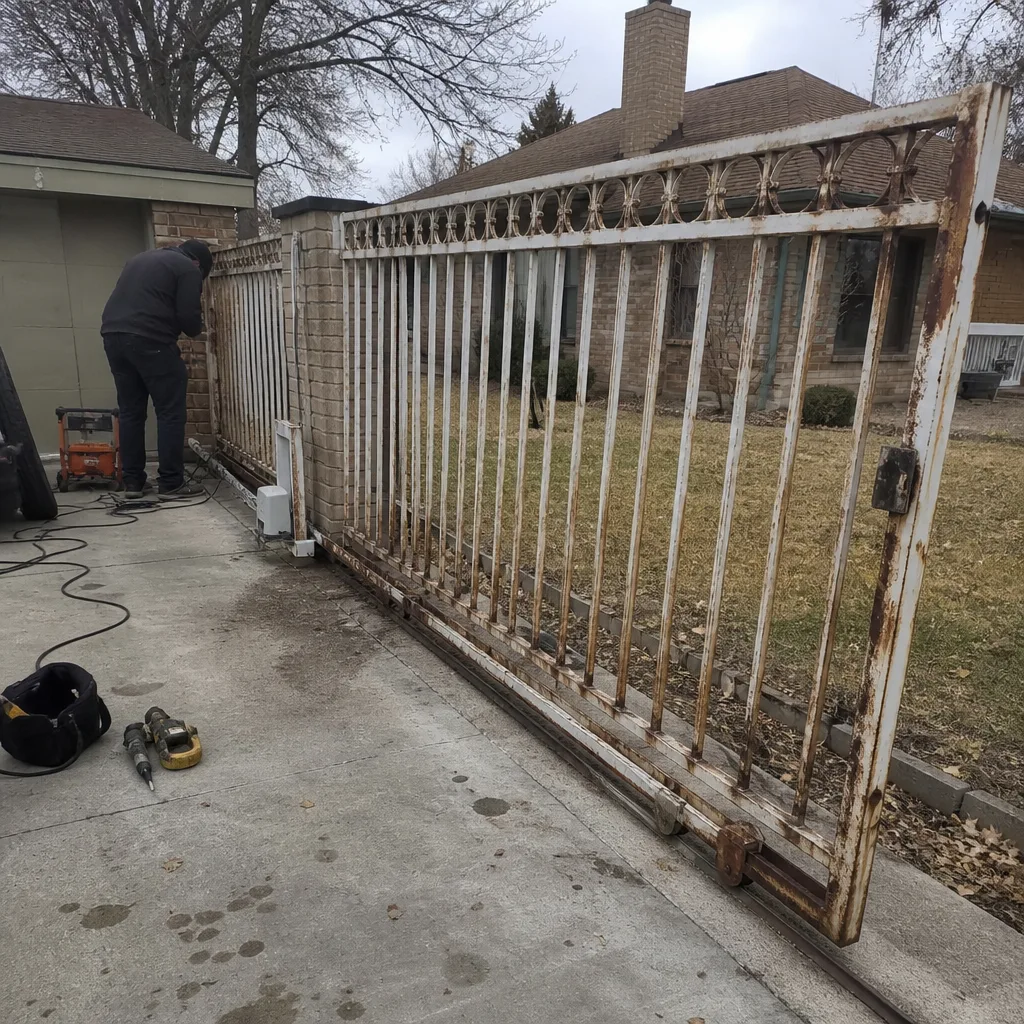 Before
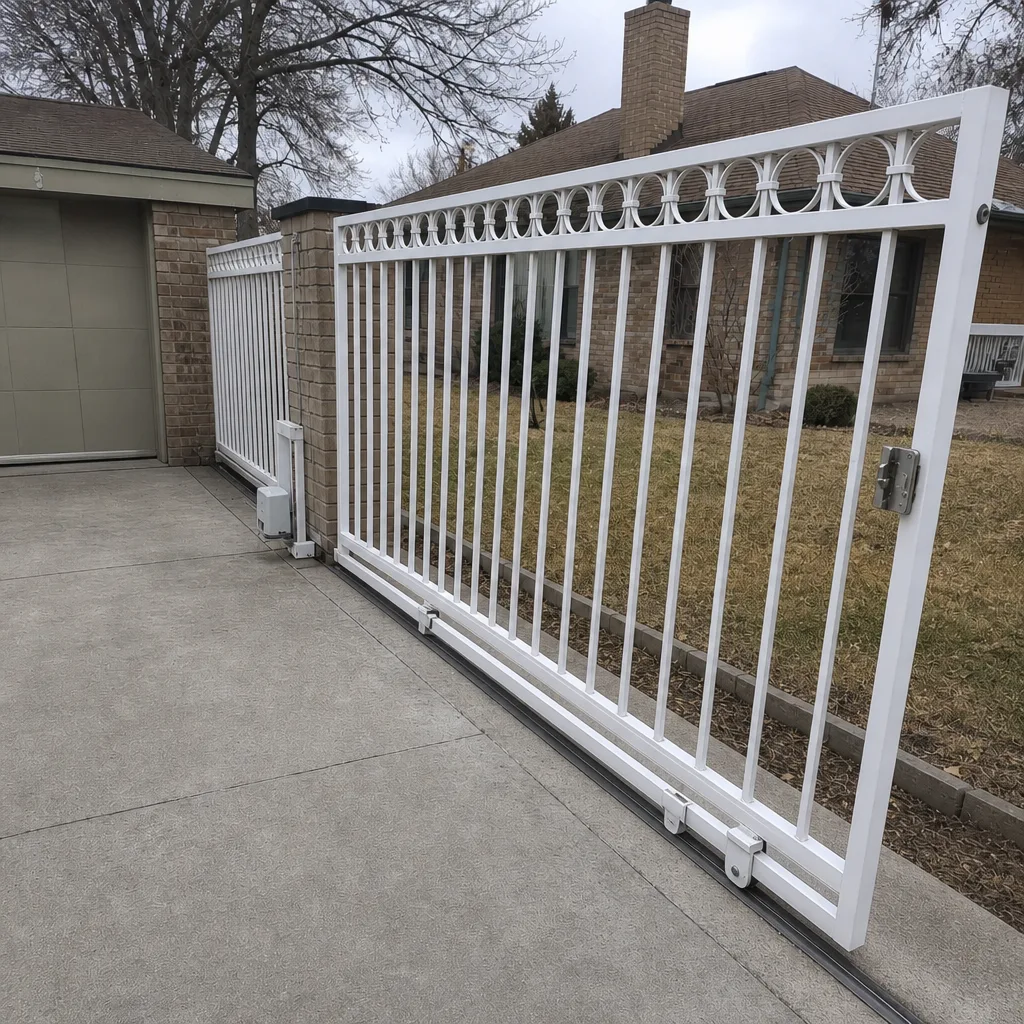 After
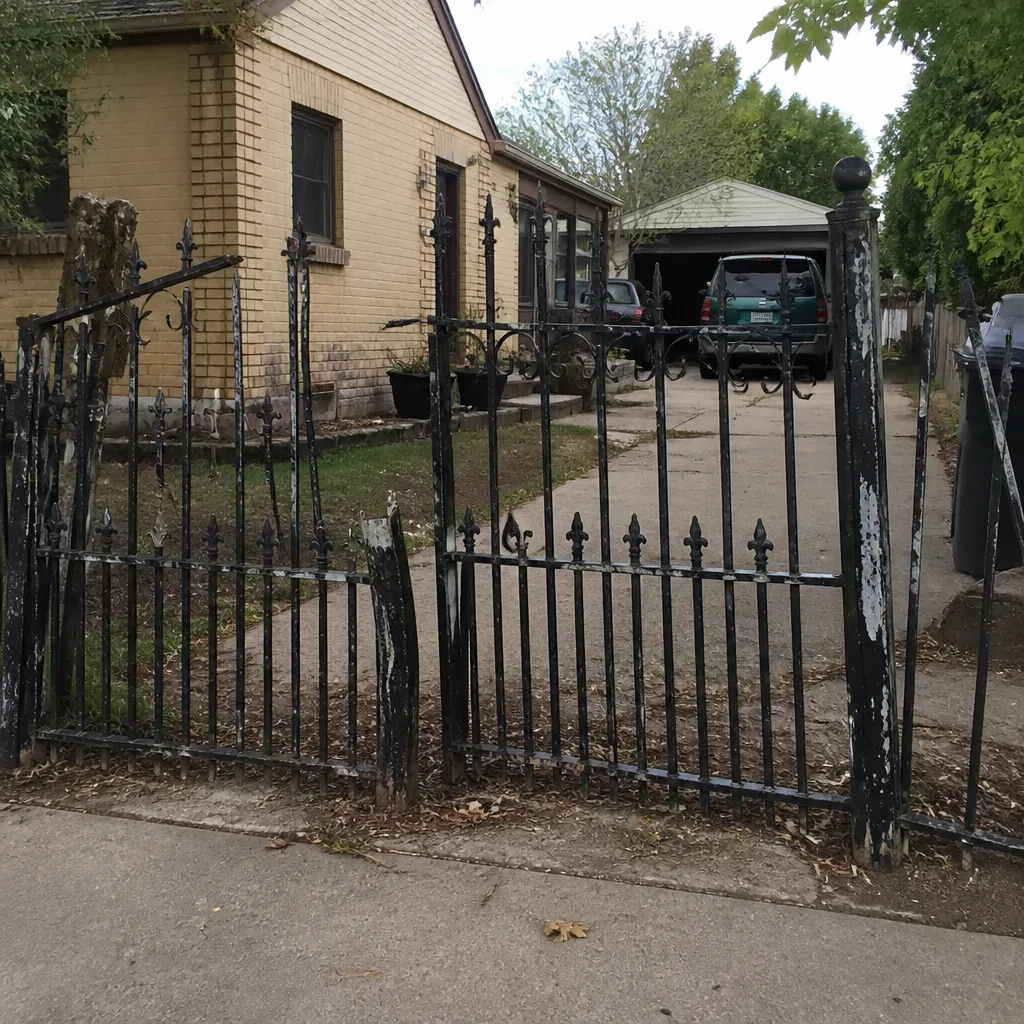 Before
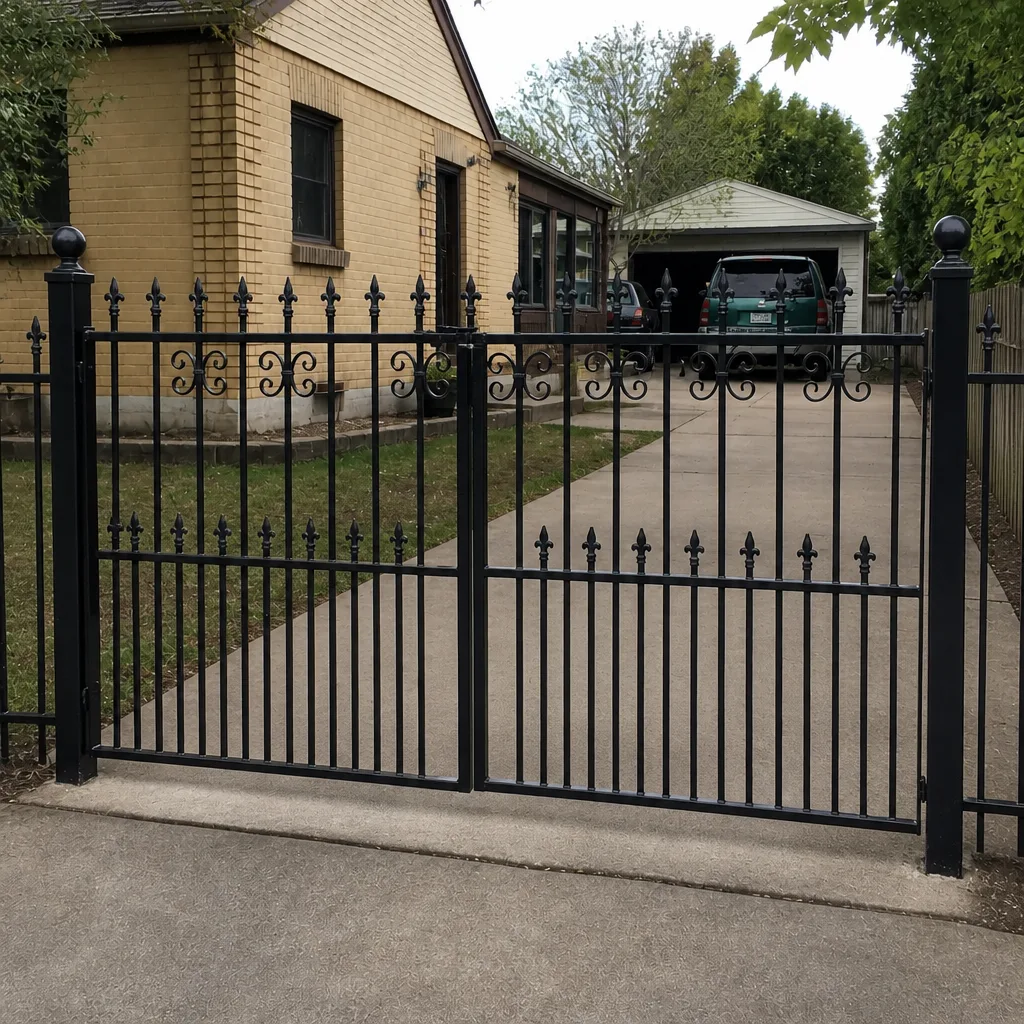 After
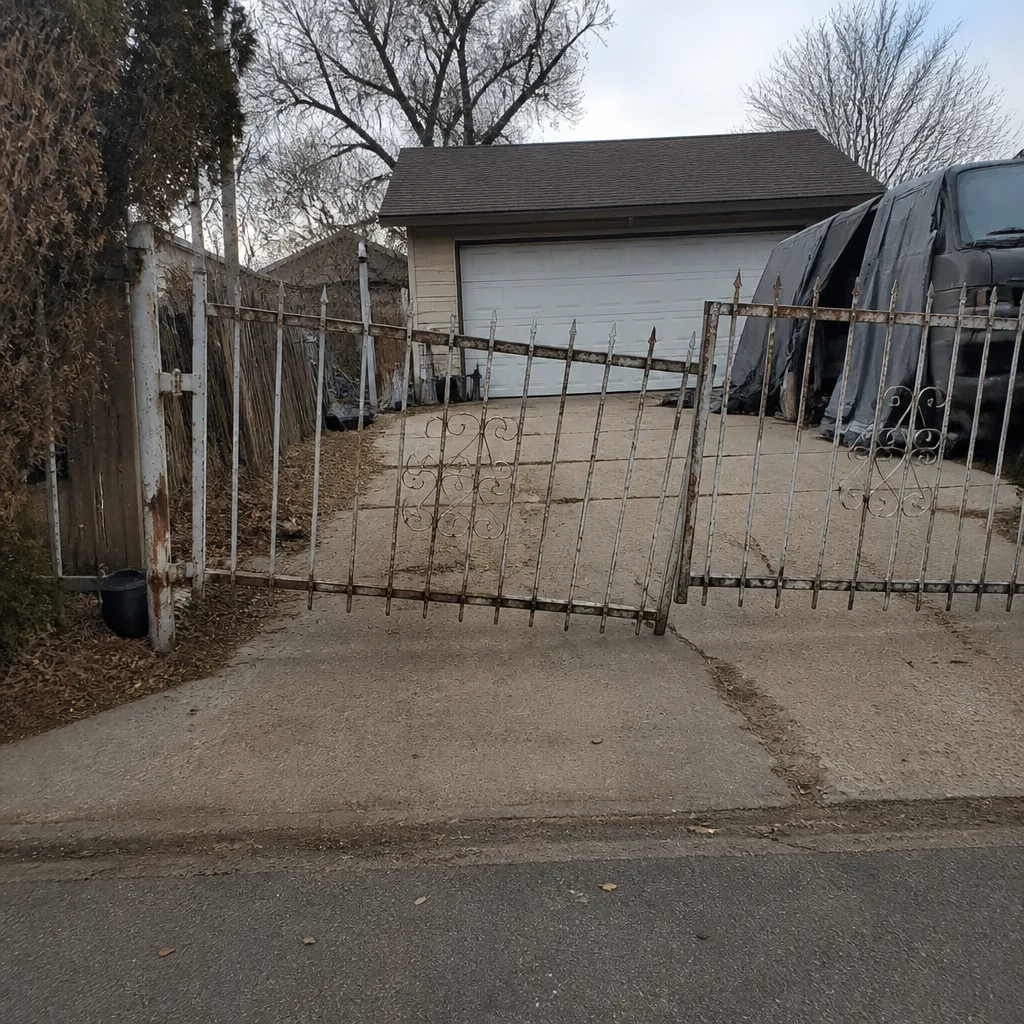 Before
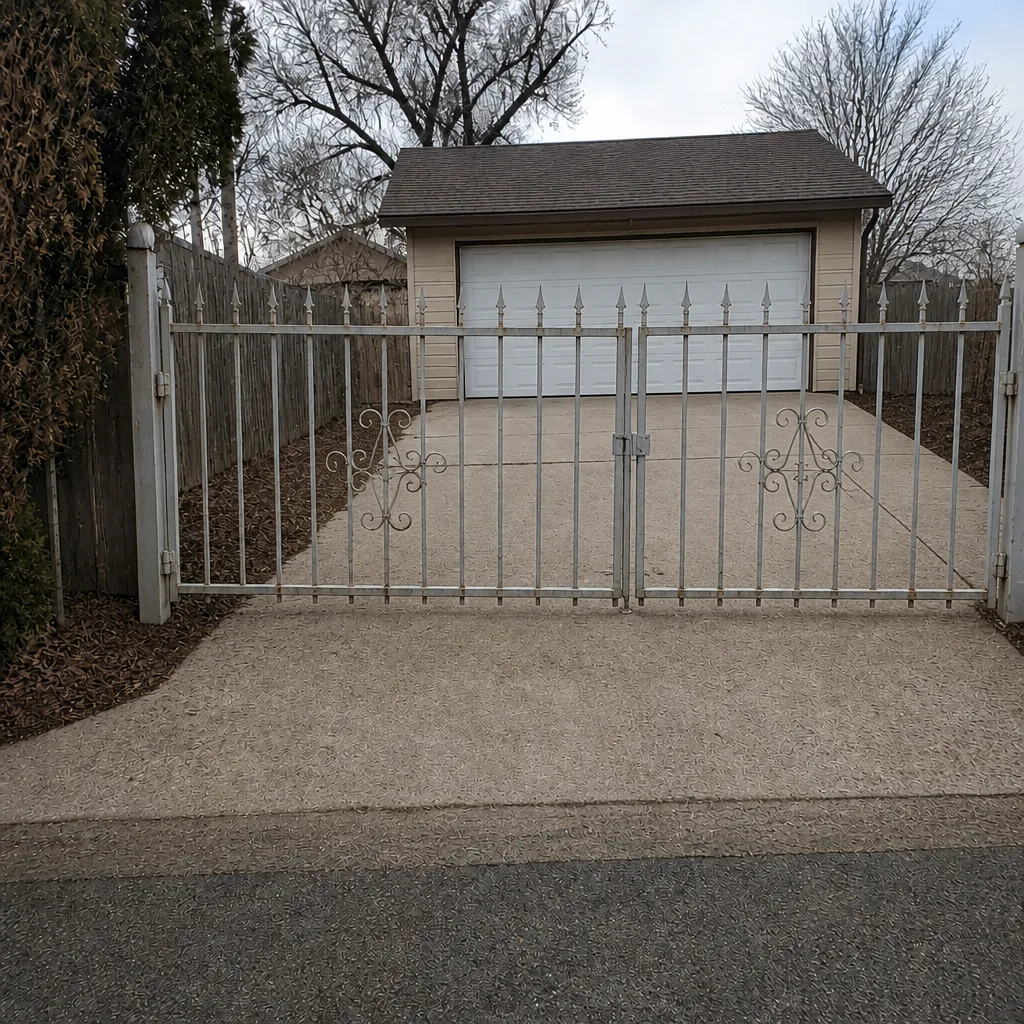 After
When to Call a Professional
Some gate problems can wait for a scheduled visit. Others shouldn’t. Call a gate specialist if the manual release won’t engage or won’t re-engage, if the gate was forced or manually operated during an incident and needs inspection before returning to automatic mode, if the fail-safe or fail-secure setting needs to change, or if the battery backup is unreliable and you’re heading into a season of storms. Also call if the operator is running but the gate isn’t moving correctly – that’s a linkage or release problem that gets worse with use. Aurora Gate Repair offers free estimates in Aurora. Call (877) 330-0618. We answer 24/7. Fast dispatch from 7am to 7pm, Sunday through Friday.
Frequently Asked Questions
Check the operator’s manual or control board for a fail-safe/fail-secure jumper or DIP switch, or test it by cutting power at the breaker and watching what the gate does. If it releases and allows movement, it’s fail-safe. If it stays locked, it’s fail-secure. If you’re not sure, a technician can tell you in minutes. Call (877) 330-0618 for an exact answer on your system.
Only if you’ve made the access available. Aurora Fire can open a registered Knox Box, and they can use an emergency access code if one is registered with them. Without either, responders are trained to force the gate. The fix is to install a Knox Box or register an emergency code and keep it current. Call us if you need help setting up either.
Less than the spec sheet claims, especially in winter. Cold temperatures cut battery capacity substantially, so a system rated for rated runtime in moderate conditions may deliver far less during an Aurora cold snap. Test the battery before storm season and before winter. Call (877) 330-0618 to schedule a battery test and replacement.
Use the manual release – that’s what it’s there for. Open the gate by hand, drive through, re-secure it, and wait for power to return. If the release is stuck or the gate is too heavy to move safely, don’t force it. Call us and we’ll get a technician out. We answer 24/7.
It’s not a homeowner task. The setting interacts with the operator’s limits, safety edges, and access control, and a mistake can leave the gate unsafe. Have a technician make the change and verify it works. Call (877) 330-0618 for a free estimate.
Inspect the panel, hinges, tracks, operator arm, safety edges, and the manual release before returning it to automatic mode. A forced gate often has a bent arm or a misaligned safety edge that will cause problems if you run it. If anything looks off, have it inspected. Free estimates are available – call (877) 330-0618.
The Bottom Line
Aurora homeowners whose gate systems are prepared for emergencies are in a different position than those who aren’t – not because they avoid every failure, but because they know exactly what to do when one happens. The core moves are simple: know where your manual release is and how to use it, confirm whether your gate is fail-safe or fail-secure, test your backup battery before the cold, and register a Knox Box or emergency code with Aurora Fire. After any forced or manual operation, inspect before returning the gate to automatic mode. None of these steps require a major investment, and all of them prevent the kind of damage that does. If you want a specialist to review your gate’s emergency readiness, we’re the gate-only team for the job.
Call (877) 330-0618 for a free estimate. We answer 24/7. Fast dispatch from 7am to 7pm, Sunday through Friday.
Written by the team at Aurora Gate Repair.